Apply Maxis Fibre Online
Check coverage, choose the right Maxis Fibre plan, confirm the current promo, then let the team guide the application on WhatsApp. Built for people who want the shortest safe path from address check to installation.
1. Send address
Send full address, building name, block, floor and unit if condo or apartment.
2. Confirm plan
Staff checks fibre port, standalone or postpaid bundle price, and current promo eligibility.
3. Submit safely
Proceed only after the plan, contract, reward and installation expectation are clear.
Which Maxis Fibre application route fits you?
New home fibre
For customers applying Maxis Fibre at a new house, apartment or condo.
from RM89/mthcoverage first Start applicationMaxis Postpaid bundle
For eligible Maxis Postpaid customers comparing bundle prices and reward options.
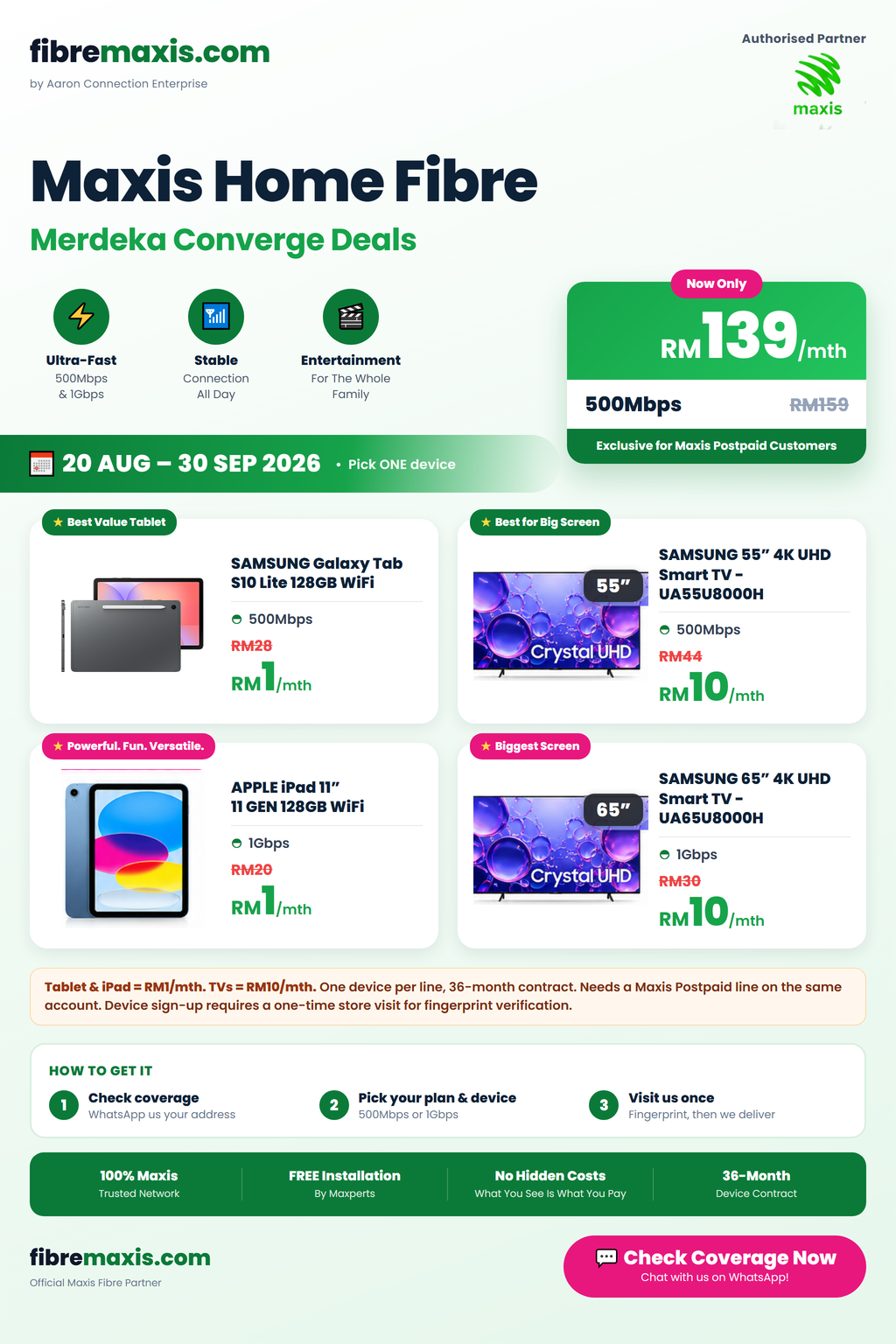
300Mbps RM99500Mbps RM1391Gbps RM159 Check bundleNo fibre port?
If fibre is unavailable, full, or building access is blocked, ask for the next best option.
manual check5G fallback Check fallbackPromos, device rewards and final eligibility depend on campaign, stock, plan, address coverage, account checks and Maxis approval. Do not assume a reward until staff confirms it.
What to prepare before applying
Full installation address
House number, street, taman, city, postcode and state. For high-rise, include building, block, floor and unit.
Current internet situation
Tell us if you are switching from Unifi, TIME, CelcomDigi, Digi, U Mobile, no line, or relocation case.
Preferred plan and promo
Mention whether you want lowest monthly price, free months, device option, 5G fallback, or stable work-from-home setup.
Sensitive documents later
For safety, do not send IC photos at first message. Start with address and contact details only.
Current pages to compare
Need broadband instead of fixed fibre?
If your address is not fibre-ready, the Maxis Broadband application page helps compare Home Fibre, 5G Home WiFi and WiFi coverage before you apply.
Important for relocation cases
If you still have an active contract and the new location has no port, staff may need to refer you back to Maxis helpline or centre. Read the relocation guide before cancelling or transferring anything.
Plan and promo quick view
| Need | Common route | Before you apply |
|---|---|---|
| Lowest fixed fibre entry | Standalone Maxis Fibre from RM89/mth | Confirm exact address, port and install slot |
| Existing Maxis Postpaid customer | Eligible bundle prices such as 300Mbps RM99, 500Mbps RM139, 1Gbps RM159 | Confirm postpaid bundle eligibility and reward rules |
| Want promo reward | Free months or selected RM1/mth device options, depending on campaign | Confirm stock, plan tier and contract terms |
| No fibre port or temporary home | Maxis 5G Home WiFi from RM69/mth where signal is suitable | Check 5G signal and usage needs first |
Condo or apartment application
Condo cases need more than a normal address check. Installation can depend on management approval, telecom room access, riser pathway, block readiness and port availability.
Read why some condos cannot install Maxis Fibre
Check my condoSwitch from another provider
Do not cancel your old internet first. Check Maxis coverage and installation feasibility, then decide the switch timing based on your current contract and relocation situation.
Compare Maxis Fibre vs Unifi first
Check switch plan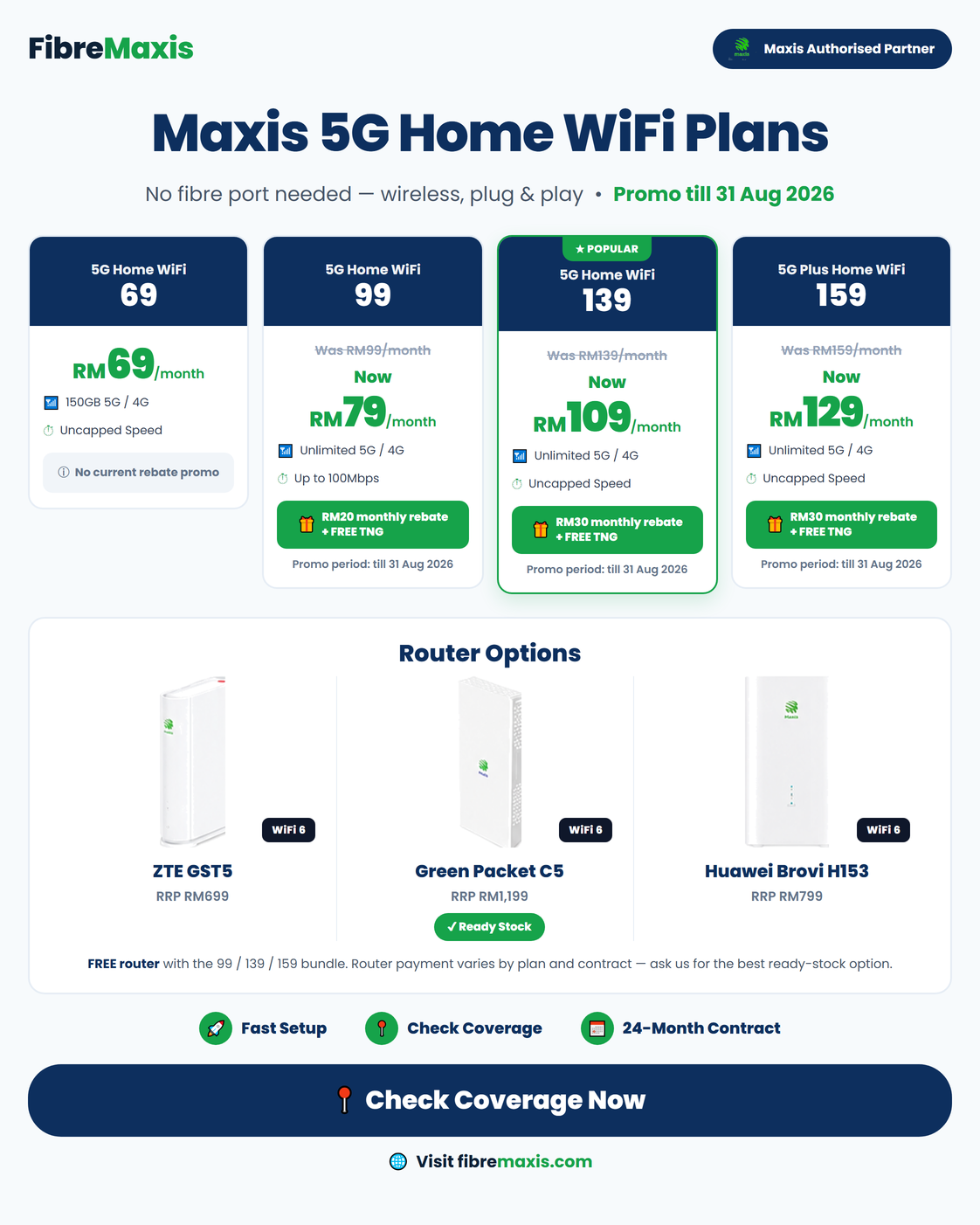
If fibre cannot proceed
Some leads should not be forced into the wrong status. If the address is blocked by no port, building issue, existing contract or relocation limitation, the right answer may be manual checking, 5G Home WiFi, or referral back to Maxis helpline or centre.
This protects the customer and keeps your CRM pipeline cleaner.
Why apply through FibreMaxis?
Authorised Maxis dealer partner
Online sales support for Maxis Home Fibre, 5G Home WiFi and related Maxis plans. Not an official Maxis Centre.
Local Sarawak store team
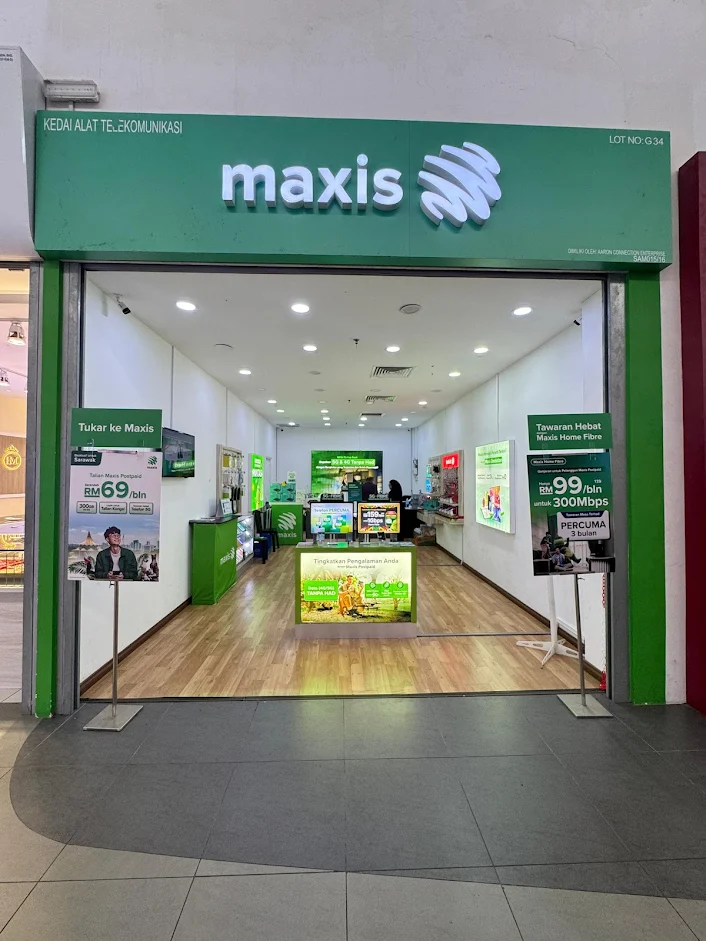
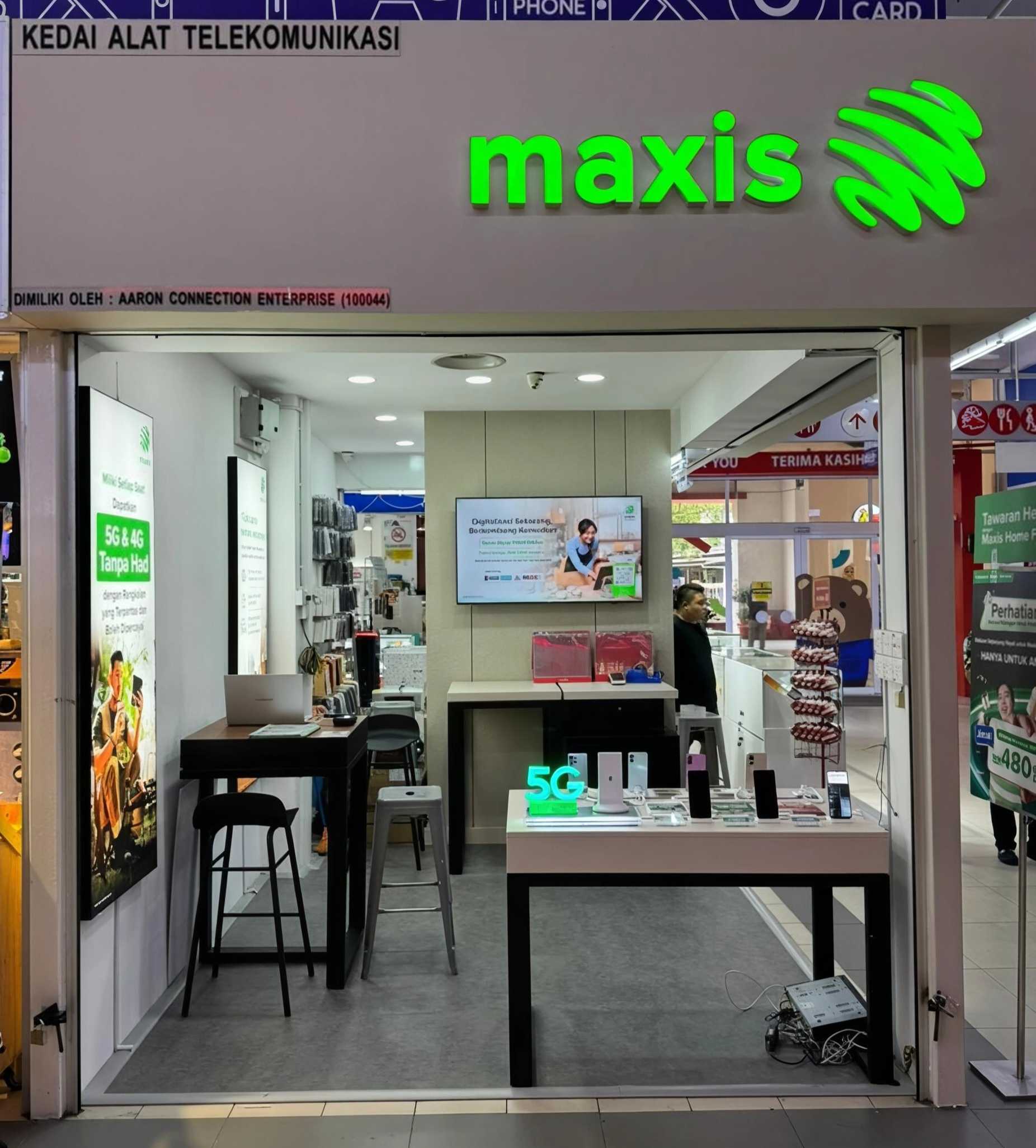
Physical Maxis store support around Kota Samarahan and Kuching, with online leads served nationwide.
Simple English, clear next step
The goal is not to make the page fancy. The goal is to help customers apply correctly and avoid wrong expectations.
FAQ - Apply Maxis Fibre online
Can I apply Maxis Fibre online?
Yes. You can start by WhatsApp. Send your full installation address first so coverage, port availability, plan price and promo eligibility can be checked before submission.
What information should I send first?
For the first check, send your full address, condo or building name if any, block, floor, unit and preferred contact name. Do not send IC photos or sensitive documents until staff confirms the proper application step.
How long does Maxis Fibre installation take?
Installation timing depends on address coverage, port availability, building access and appointment slots. Staff will confirm the realistic timeline after checking your address.
Can condo or apartment residents apply?
Yes, but high-rise installation may depend on building fibre readiness, JMB or management access, MDF room access, riser pathway and block or floor status.
What if my area has no fibre port?
If fibre is unavailable, full or blocked by building readiness, the team can advise next steps such as manual address checking, helpline or centre referral, or Maxis 5G Home WiFi where signal is suitable.
Can I switch from Unifi or another provider?
Yes, but check your existing contract and termination terms first. The best move is to confirm coverage and installation feasibility before cancelling any current line.
Are the promos guaranteed?
No. Promos depend on current campaign, stock, plan, postpaid bundle eligibility, coverage and final approval. Staff should confirm the latest offer before submission.
Is FibreMaxis an official Maxis Centre?
FibreMaxis is operated by an authorised Maxis dealer partner, not an official Maxis Centre. Online leads are handled by the sales team and final service approval remains subject to Maxis processes.
Ready to apply?
Send your full address first. The team will check coverage, port, bundle eligibility and current promo before submission.