Maxis Business Fibre for shops, offices and growing businesses in Sarawak
Get business-grade internet with WiFi 6, 4G backup, voice support, and local consultation for Kuching, Samarahan, Batu Kawa, Miri, Sibu and nearby areas.
Built for daily operations such as POS systems, CCTV, cloud tools, staff devices, business calls and customer-facing connectivity — not just basic home browsing.
Choose by how your business actually uses the internet, not by price alone
Most SME buyers do not think in Mbps. They think about whether the line can support staff, CCTV, payment systems, calls, cloud tools and customer-facing operations without disruption.
Small shop or light office
Suitable when your business has fewer users, lighter cloud activity, and a simpler day-to-day setup.
- Front desk + a few staff devices
- Basic POS, printer, CCTV and messaging
- Lower concurrent usage
Growing SME with daily operations
Best fit for offices and shops that rely on multiple staff devices, cloud tools, customer communication, and smoother operations.
- Multiple staff online at the same time
- POS + CCTV + cloud storage + calls
- Higher need for stable daily throughput
Larger operation or multi-system office
For businesses with heavier concurrency, more departments, bigger file movement, or operational sensitivity to downtime.
- Many users across one premise
- Multiple systems depending on uptime
- Need stronger headroom for growth
Maxis Business Fibre plans for Sarawak SME use cases
Standard business fibre pricing starts from 100Mbps Dynamic RM119 and goes up to 1Gbps Dynamic RM279 (promo), with Fixed IP options available for businesses that need a static IP address. The current campaign adds rebate-driven pricing on 300Mbps, 500Mbps and 1Gbps plans.
100Mbps
- Home offices and small businesses with light internet usage
- WiFi 6 certified router included
- Always-on 4G wireless backup included
- 1x unlimited IP voice line with DECT phone
- Maxpert consultation & installation support
300Mbps
- Best fit for small offices with moderate data needs
- FREE Mesh WiFi included
- WiFi 6 router + 4G wireless backup
- 1x unlimited IP voice line with DECT phone
- Strong current-value business tier
500Mbps
- Small offices with 5–10 employees requiring reliable, high bandwidth
- FREE Mesh WiFi included
- WiFi 6 router + 4G wireless backup
- 1x unlimited IP voice line with DECT phone
- Best middle-to-upper business tier
1Gbps
- SMBs with 10–25 employees and data-intensive applications
- FREE Mesh WiFi included
- WiFi 6 router + 4G wireless backup
- 1x unlimited IP voice line with DECT phone
- Available in selected Maxis coverage areas only
| Speed | Maxis business pricing shown | Common fit | Commercial note |
|---|---|---|---|
| 100Mbps | RM119 | Light office / small shop | Good entry point when team size and concurrency are still moderate |
| 300Mbps | RM149 | Growing SME | Often the best balance of business suitability and value |
| 500Mbps | RM189 | Busier SME ops | Useful when cloud, CCTV and heavier daily usage all sit on one line |
| 1Gbps | RM279 | Larger teams / bigger load | Stronger headroom for data-intensive applications |
Why choose Business Fibre instead of normal home fibre for an office or shop?
This is one of the biggest real-world objections: why pay more for a business plan when home fibre looks cheaper? The short answer is that business plans are built around continuity, registration structure, bundled business value, and operational suitability — not just home-style internet access. If you want a deeper side-by-side answer, see our Business Fibre vs Home Fibre guide.
When home fibre may still look attractive
Home fibre can look cheaper for very simple use cases, especially when the business behaves like a household with light usage and low operational risk.
- Lower sticker price: Useful when the premise does not depend heavily on uptime.
- Very small setup: May seem enough for one or two users with light needs.
- Fewer business features: Simpler, but also less aligned to business continuity and business-specific benefits.
Business continuity matters
Business Fibre includes 4G backup, which helps reduce disruption if the main fibre line drops.
Voice and setup support matter
The business offer includes voice support and consultation / installation framing that is designed for actual premise use.
Business registration matters
Business company registration sits under company BRN, which better fits organisations that want a proper company-account structure.
Bundle value matters
Maxis Business Fibre works more naturally with Maxis Business Postpaid and other business-solution elements when staff and operations scale.
The business offer is more than just raw internet speed
Business Fibre is positioned as a business connectivity solution with WiFi 6 hardware, wireless backup, voice support and consultation / installation — not just a residential line sold to a company.
WiFi 6 hardware
Business Fibre includes WiFi 6 router hardware in the offer stack, with FREE Mesh WiFi on 300Mbps and above.
4G backup
Wireless backup is a major business differentiator because it helps reduce downtime risk for active business premises.
Voice support
1x unlimited IP voice line with DECT phone is part of the business offer and supports business-call use cases more directly.
Consultation & install
Maxpert consultation and installation support helps business buyers who need a clearer setup path.
Business bundle potential
Business Fibre works together with Business Postpaid, adding stronger overall value when lines and staff mobility become relevant.
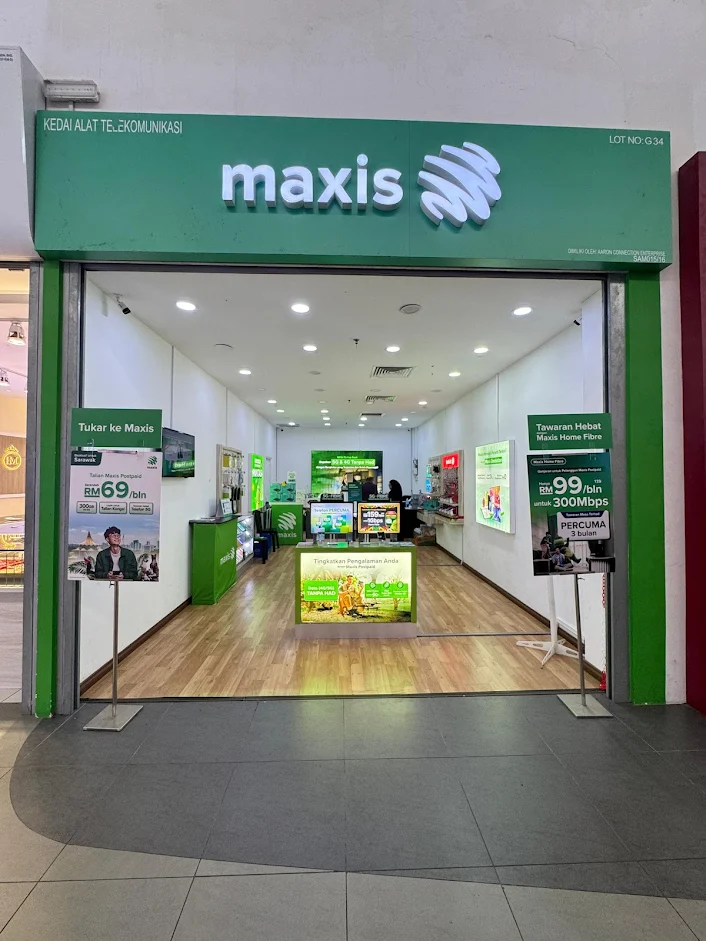
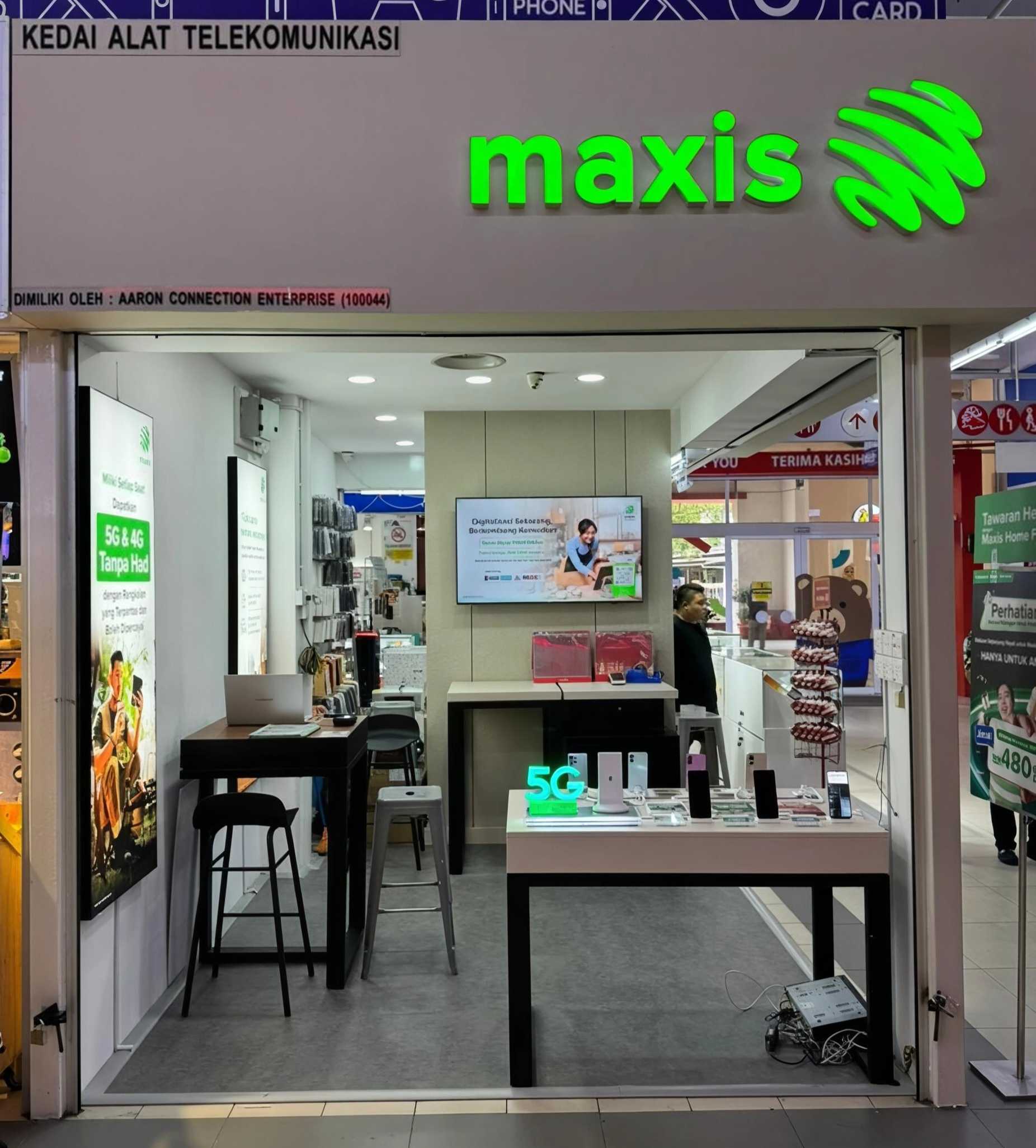
Walk in for consultation, or start online and request a site visit
Businesses often want clear answers first, then a practical next step based on address, layout and documents.
A business setup flow that is clear before you commit
Businesses trust pages more when the next steps are obvious. This removes uncertainty before registration.
Consultation
Tell us your business type, staff size, current setup and address.
Coverage check
We check whether Business Fibre fits your address and whether another route such as Business AirFibre should be considered.
Document prep
Prepare the company documents and signatory information needed for submission.
Submission
Business registration is submitted after details are properly prepared.
Installation scheduling
Installation timing is arranged after acceptance, with consultation and setup support included.
Activation
Your line goes live and the business premise moves onto the new setup path.
Business applications move faster when the documents are ready
Preparing these documents early helps you avoid delays and speeds up your business registration process. If you want a dedicated prep page, open our Maxis Business Fibre documents guide.
Before you walk in or request submission help
Having these ready gives you a cleaner consultation and reduces back-and-forth later.
- Best use of this section: Send the list to your PIC or finance/admin person before coming in.
- For appointed PIC cases: Authority documentation may also be needed depending on the registration route.
- SSM company documents (Form 9 & 49 or Form 12 & 49)
- NRIC of authorised signatory
- Latest 3 months company bank statement
- Utility bill for installation address
- Letter of Award (LOA) or Letter of Request (LOR) if applicable
- Letter of authorisation if a PIC is appointed
Questions business customers usually ask before they commit
Need the right business internet setup for your premise?
Start with a proper SME consultation. Contact our business support line for coverage check, business setup advice and next-step guidance.